Blazing fast,
on-demand images.
Crabcrop is a Rust-built, lightning-fast on-demand image API supporting all major formats in and out, with over 42 filters and AI features like background removal. It resizes, crops, converts, and filters your images straight from a signed URL. One binary, no pre-generated thumbnails, no build step.
Running in a minute.
curl --proto '=https' --tlsv1.2 -LsSf https://github.com/dayvson/crabcrop/releases/latest/download/crabcrop-installer.sh | sh
Everything an image pipeline does, in one signed URL.
Supported formats
JPEG, PNG, WebP, GIF, AVIF, and JPEG XL, in and out. HEIC and HEIF decode only; SVG decodes, sanitized and rasterized. Name no format and the visitor's Accept header decides: AVIF first, then JPEG XL, then WebP. An explicit format(...) always wins. Sources are not just stills: frame: picks one frame of a video and page: picks one page of a PDF, and either becomes the image the URL works on.
More than photos
The source can be one frame of a video, one page of a PDF, an object in S3 or GCS, a local file, or a short root: reference the server expands against its own origins. Originals can also arrive through the signed upload endpoint, off by default.
45 filters, one chain
Resize, crop, fit-in, and pad are their own path segments. The 45 filters chain inside one filters: segment, everything running in the order written.
Background removal
Your ONNX model, in process. The subject stays, the background becomes real alpha.
filters:removebg:format(webp)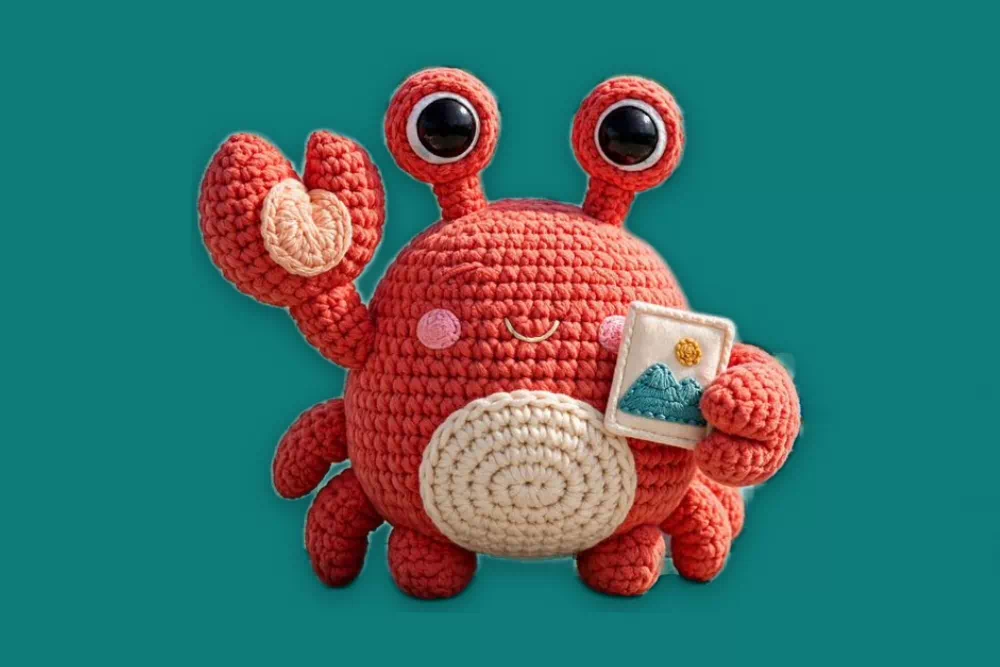
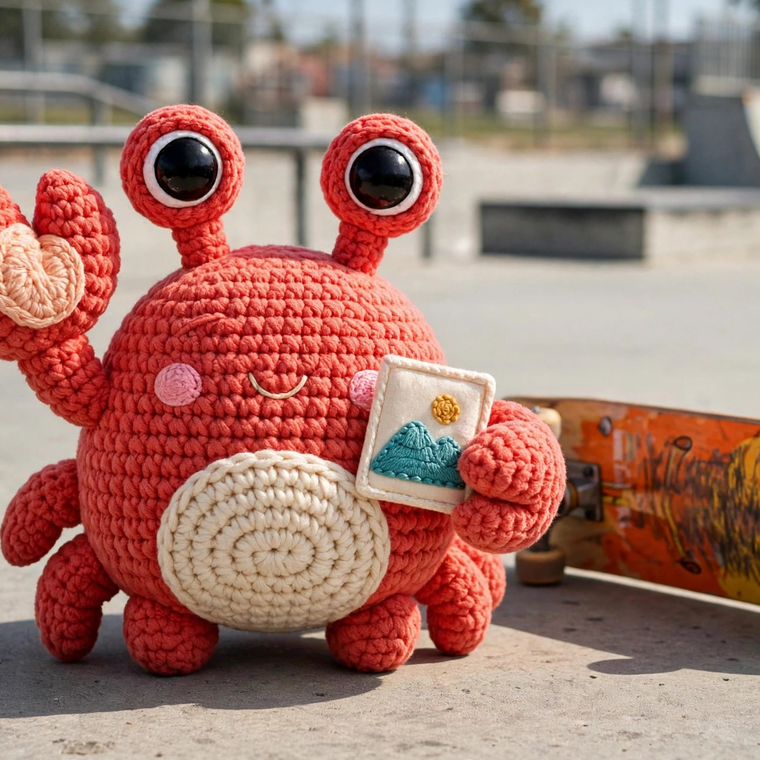
Studio mode
The listing shot in one filter: cut out, backdrop, contact shadow, margin. Backdrops resolve on the server, brand color included. Or keep the photo: studio(scene) reframes on the subject and corrects the light and color.
Smart crop, face safe
The crop window finds the subject, and keeps detected faces whole instead of clipping them at the edge.
crop:760x760:smart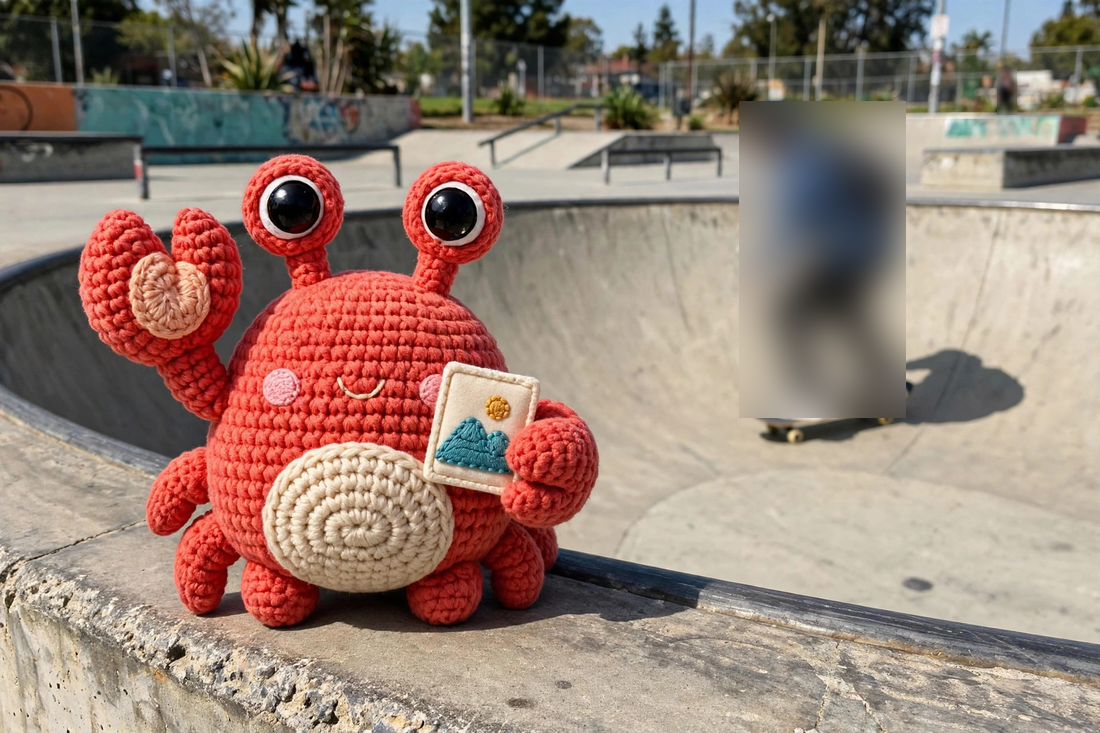
Redaction
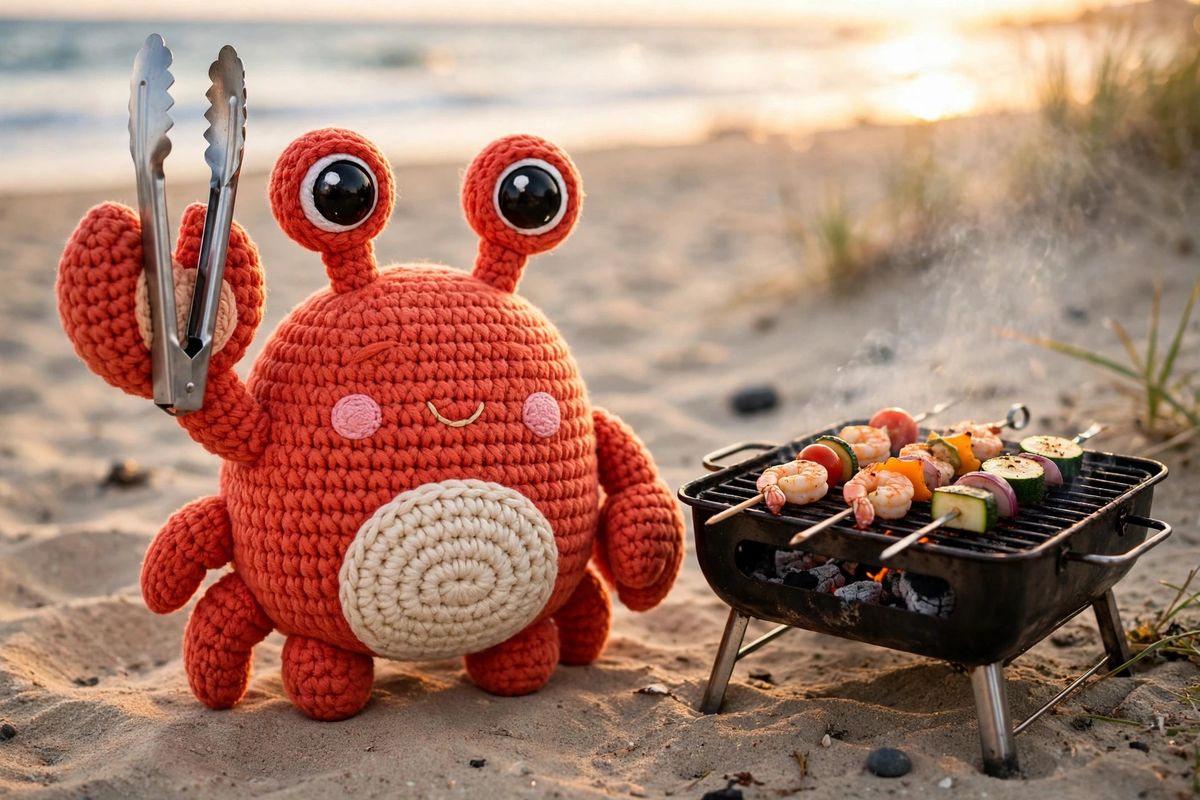
Blur or pixelate faces, or every detected object of a class. Redaction never guesses: a detection failure fails the request. With a segmentation model configured, class redaction follows the object's silhouette instead of its box, and recolorclass paints that silhouette a solid color.
Object removal
Name a rectangle and a LaMa family inpainting model fills it in from the surrounding pixels. Everything outside the rectangle comes back bit-identical.
filters:remove_region(40,120,300,200)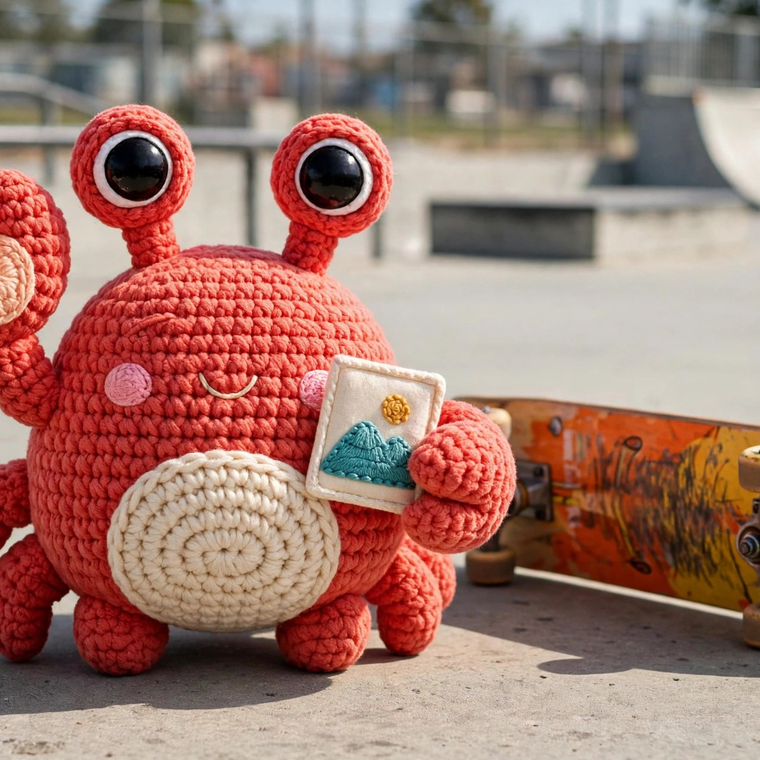
AI upscale
Super-resolution from a model you supply: upscale(2) or upscale(4) rebuilds detail instead of stretching pixels, and source transparency carries across. It never falls back to a plain resize.
Face detection
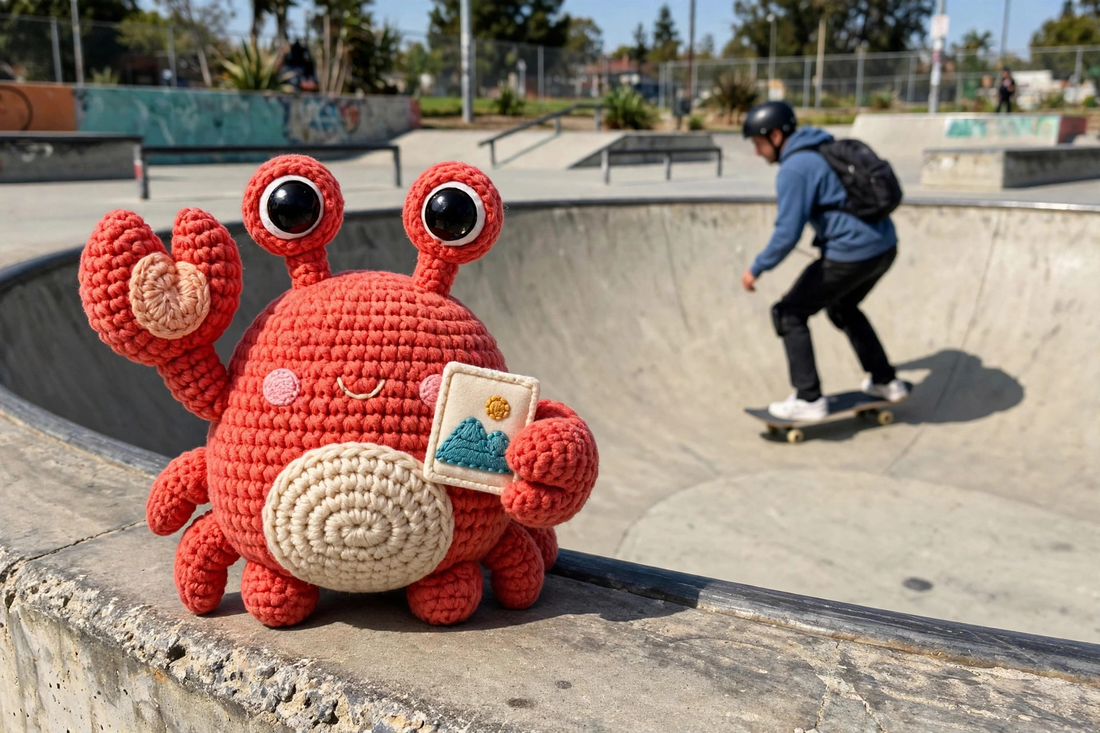
A YuNet model finds the faces in the frame. Smart crops center on them and keep them whole, :face crops to the largest face, and blurfaces or pixelatefaces redact every face found.
Presets and purge
Server-side preset names keep templates short. Purge one result, or a whole preset group, with signatures from their own subkey.
preset:og-card · POST /purge-group
Sealed URLs
For links that stay public but unreadable: the whole recipe, operations and source together, encrypted into one opaque token in the signature slot. Only the server opens it, and the sealed spelling serves the same render as the readable one.
s1.<token>/photo.jpg
Meta that describes
Ask for JSON and get dimensions, format, byte size, and provenance for every render. The richer answers are separate opt-ins, each with its own model set: CLIP tags and alt text, detections, moderation verdicts, embeddings, an aesthetic score, and OCR text.
Accept: application/json; detections=1
Text out of the picture
Opt a meta request in and the answer reads the picture: the text lines in reading order, each with its box and a confidence score, from a PP-OCR model pair you supply. The annotation never touches the image bytes.
Accept: application/json; ocr=1
Provenance: C2PA
Meta reports the Content Credentials a source carries: whether a manifest is present, whether it validates, and who signed it. Configure your own certificate and still JPEG, PNG, WebP, and AVIF outputs are signed as they are served, with the source recorded as an ingredient, so the chain survives the transform.
CRABCROP_C2PA_CERT · CRABCROP_C2PA_KEY
URLs that explain themselves
Put explain/ in front of any signed URL and the server reports on it instead of serving the image.
SDKs and loaders
Build and sign these URLs from code instead of by hand: SDKs for TypeScript and Python, the crabcrop-url Rust crate, an MCP server that lets coding agents sign, explain, and inspect URLs, and loaders for Next.js, Nuxt, and Hydrogen.
Sign a URL, from any stack.
Every URL carries an HMAC-SHA256 signature over the operations and the source, lowercase hex. Sign with the TypeScript or Python SDK, the crabcrop-url Rust crate, or plain curl: same inputs, same URL.
printf '%s' 'crop:1200x630:smart/filters:format(webp):quality(80)/https://example.com/photo.jpg' \
  | openssl dgst -sha256 -hmac 'demo-secret'
# SHA2-256(stdin)= ca3d1f22f4cc3860926608df02383f46dcf74af9a4e1bc26b1a00c644f55f300
import { buildURL } from "@crabcrop/url";

const url = buildURL({
  base: "https://img.example.com",
  secret: "demo-secret",
  operations: "crop:1200x630:smart/filters:format(webp):quality(80)",
  source: "https://example.com/photo.jpg",
});
from crabcrop_url import build_url

url = build_url(
    base="https://img.example.com",
    secret="demo-secret",
    operations="crop:1200x630:smart/filters:format(webp):quality(80)",
    source="https://example.com/photo.jpg",
)
use crabcrop_url::{build_url, sign};

let signature = sign(secret, "crop:1200x630:smart/filters:format(webp):quality(80)/https://example.com/photo.jpg");
let url = build_url(base, secret,
    "crop:1200x630:smart/filters:format(webp):quality(80)",
    "https://example.com/photo.jpg")?;
Each snippet signs the same example with the sample secret demo-secret. Swap in your base, your secret, and your operations.
The source can be a short root reference instead of a full URL, like root:photos/cat.jpg: the server expands it against an origin configured on the server, so the origin itself never appears in the URL.
A URL can also be sealed: the whole recipe, operations and source, encrypted into one opaque token in the signature slot, for links that have to stay public but unreadable. The readable form stays the default. See sealed URLs in the docs.
Studio product shots, in one URL.
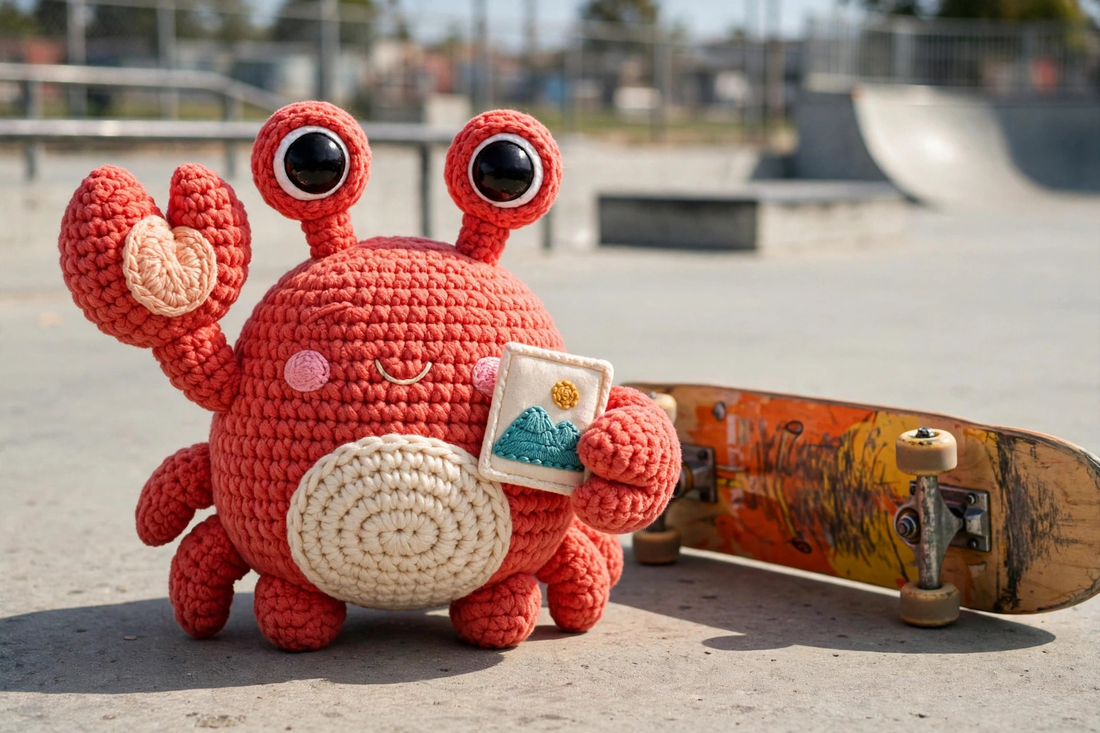
studio(product) cuts the subject out of a photo taken anywhere and composites it onto a clean backdrop (white, a hex color, or your brand color) over a soft contact shadow: a finished product shot, in one URL. The skate park photo below is a real output from a running server. Drag the slider.
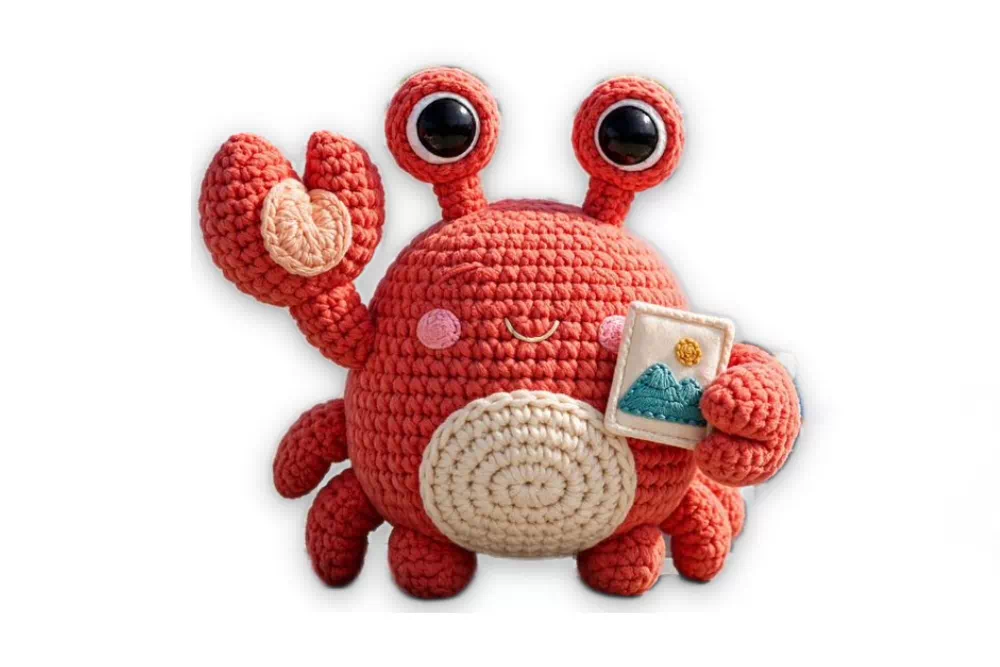
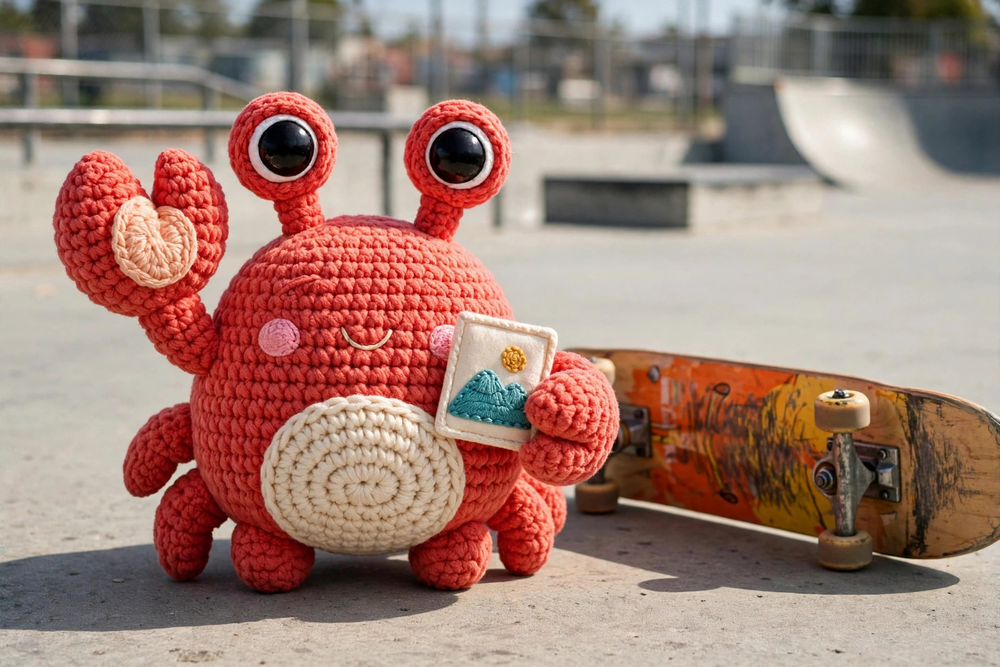
fit-in:1000x667/filters:studio(product,bg:white,shadow:soft,pad:10)
Models you supply. Inference in process.
Real outputs from a running server, nothing retouched. No model configured means a clean 501, never a silent fallback.
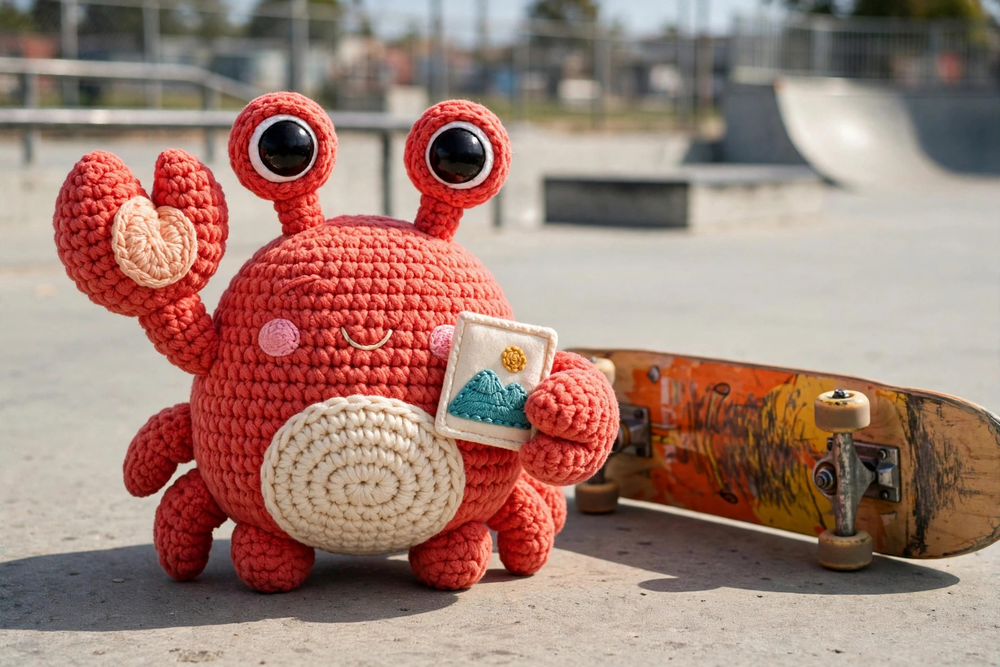
Background removal
fit-in:1000x667/filters:removebg:format(webp)
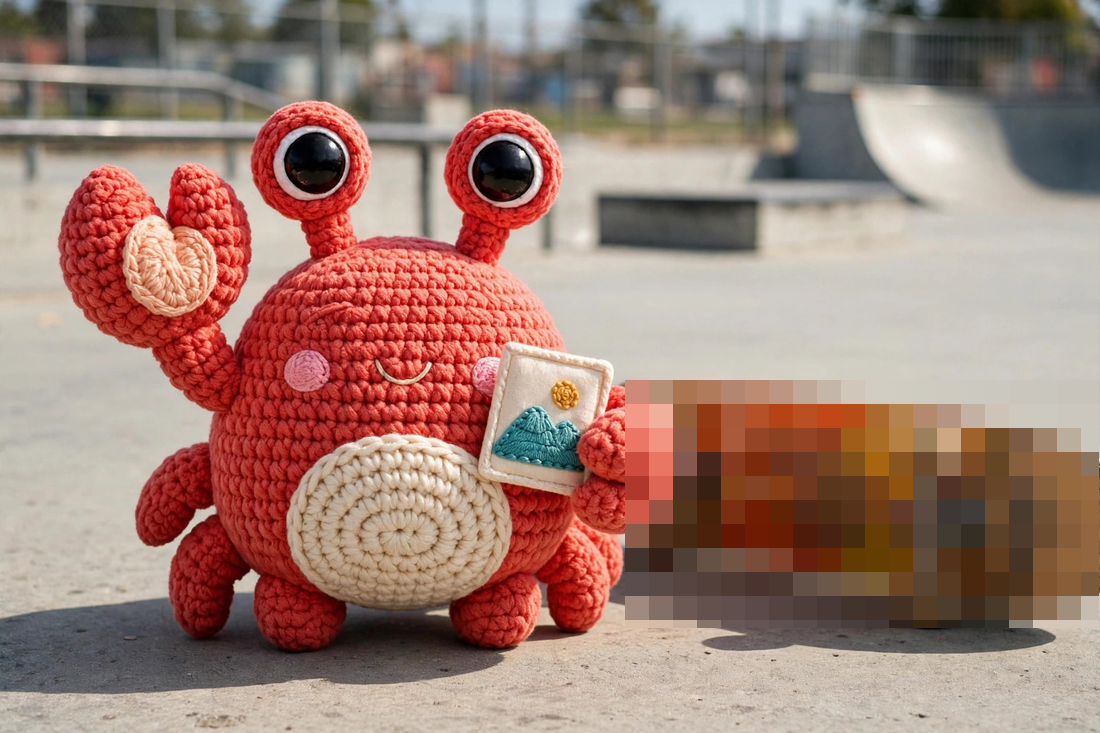
Redact a class: pixelate
fit-in:1100x733/filters:pixelateclass(skateboard)
Plus upscale, region removal by inpainting, face redaction, smart crops, and the meta family: AI in the documentation.
The full documentation.
Every operation with examples and interactive demos, section by section.